Do drivers need an app to charge?
No. A QR scan at the charging station is enough - charging starts directly in the browser. No app installation is required.
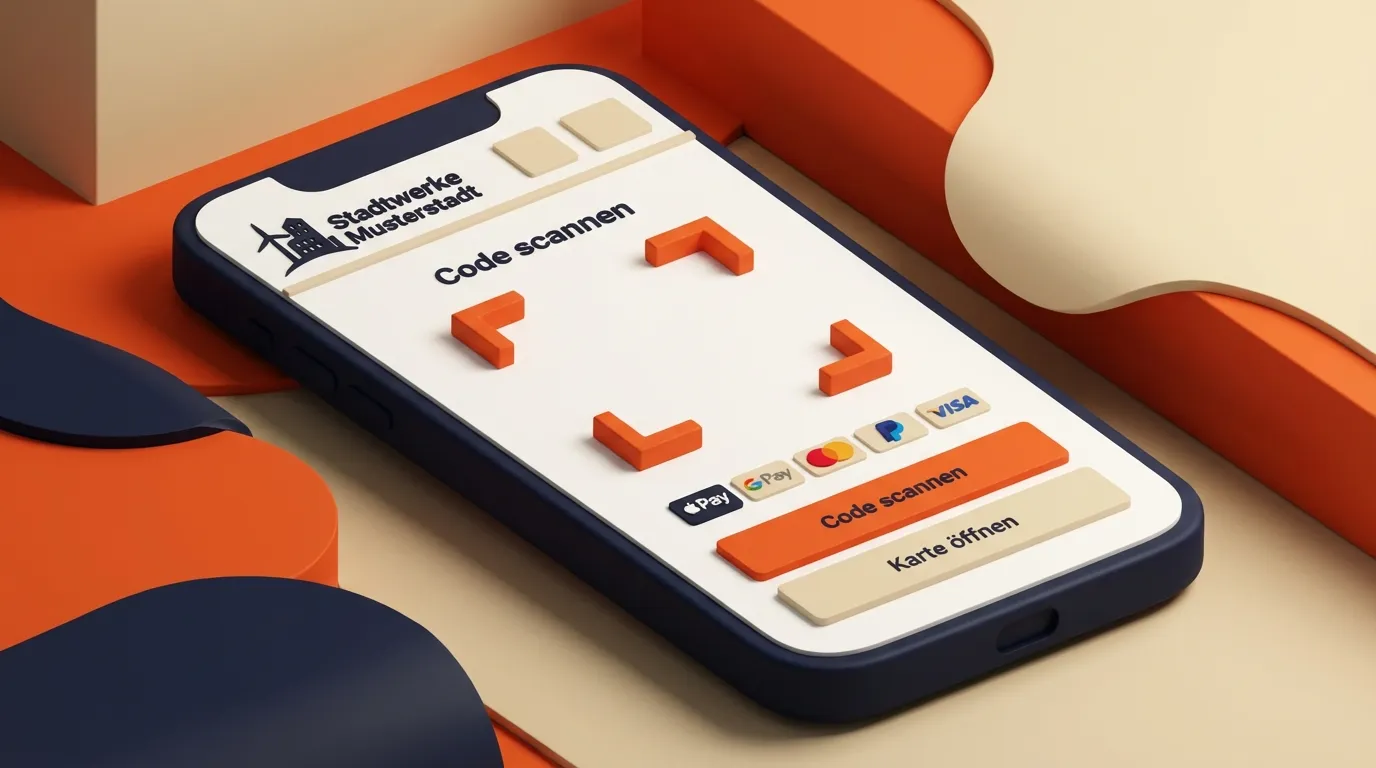
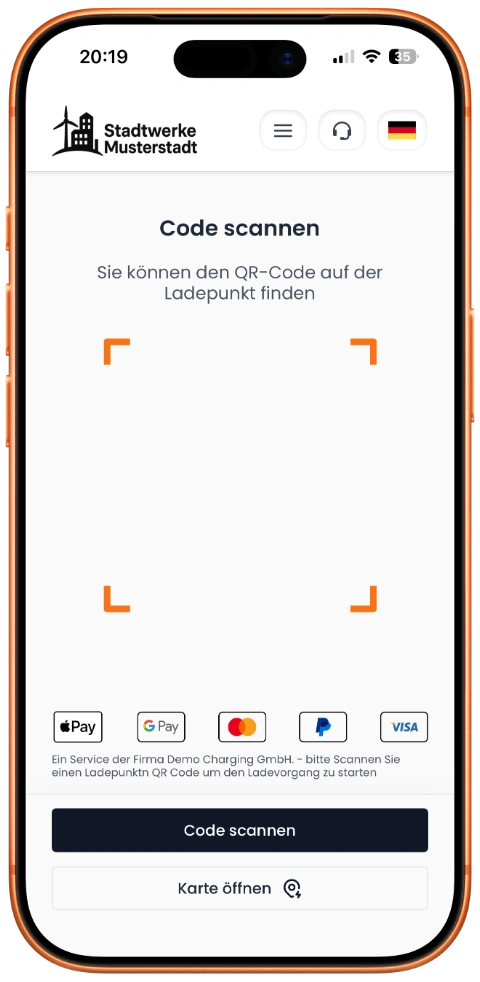
Scan QR code, select tariff, pay, charge – without registration, without an app.
From QR code scan to invoice — a complete, mobile-first charging experience for your customers.
QR code scan opens mobile web interface instantly
Start and stop charging sessions entirely via web
EVSE-ID, connector type, and power output displayed clearly
No app download, no registration
Every detail covered — from white-label branding to backend integration.
Your logo, colors, and company name. Fully customizable CI/CD.
German and English with seamless language switching.
Reuse existing QR codes with smart redirect logic.
Session stop only on-site within 10–15 m radius.
Everything operators need to know about the ad-hoc web app - from user flow to billing.
No. A QR scan at the charging station is enough - charging starts directly in the browser. No app installation is required.
You can enable Apple Pay, Google Pay, PayPal, card payments (Visa, Mastercard), and more. Payment processing runs securely through PCI-DSS compliant partners. Learn more about payment methods
Energy price (EUR/kWh) and blocking fee (EUR/min) are shown clearly before charging starts. Costs are fully visible before payment.
Yes, optionally. An invoice can be requested before or after charging. If required, an optional invoice profile with an alternative billing address can be used.
If connectivity is interrupted briefly, the charging session continues. The status can be reopened anytime via the original session link.
Yes. The charging session can be stopped anytime in the web interface. Billing is based on the actual delivered energy.
From QR scan to charging start takes only a few steps. In most cases charging starts in under 30 seconds - with no registration and no login.
Depending on your setup, you can enable optional features such as favorites, map previews, AI support chat, customer ratings, placements, and a parking time widget.